QRBot — Scan and Create QR Codes in Seconds
QRBot is the all-in-one QR code scanner and generator for iPhone, iPad, and Android that decodes any QR code or barcode in milliseconds and opens the right next action. QRBot also creates custom QR codes with your colors and logo, joins Wi-Fi instantly, batch-scans codes, saves a searchable scan history, and keeps everything in sync with end-to-end encrypted cloud backup.
4.8
out of 5Based on 21 reviews
Why Choose QRBot
Everything You Need to Scan and Create QR Codes
QRBot is a complete QR code toolkit for iPhone, iPad, and Android. Scan any code in milliseconds, create beautiful branded codes, and keep your history organized with end-to-end encrypted cloud sync.
Instant QR & Barcode Scanning
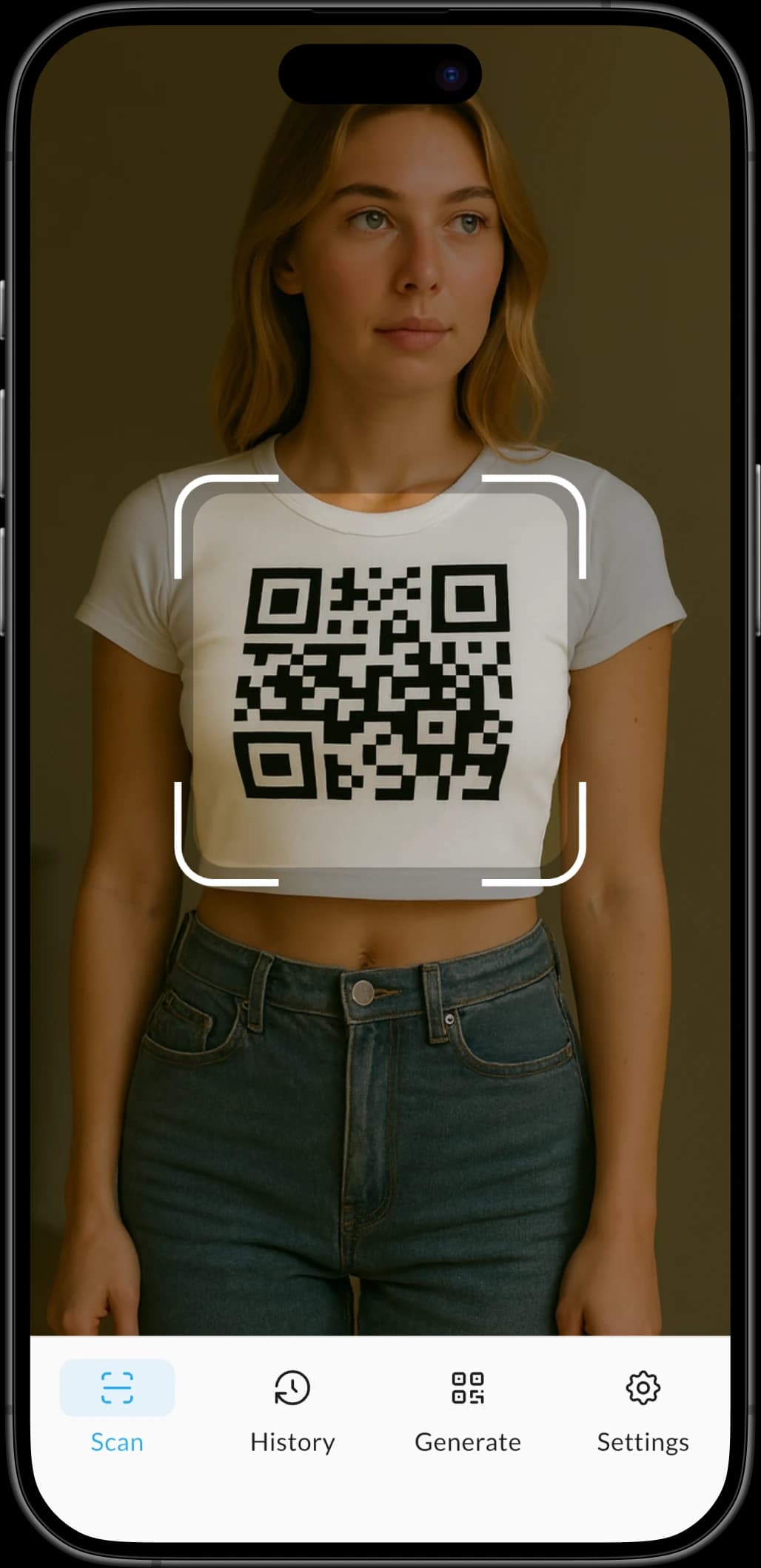
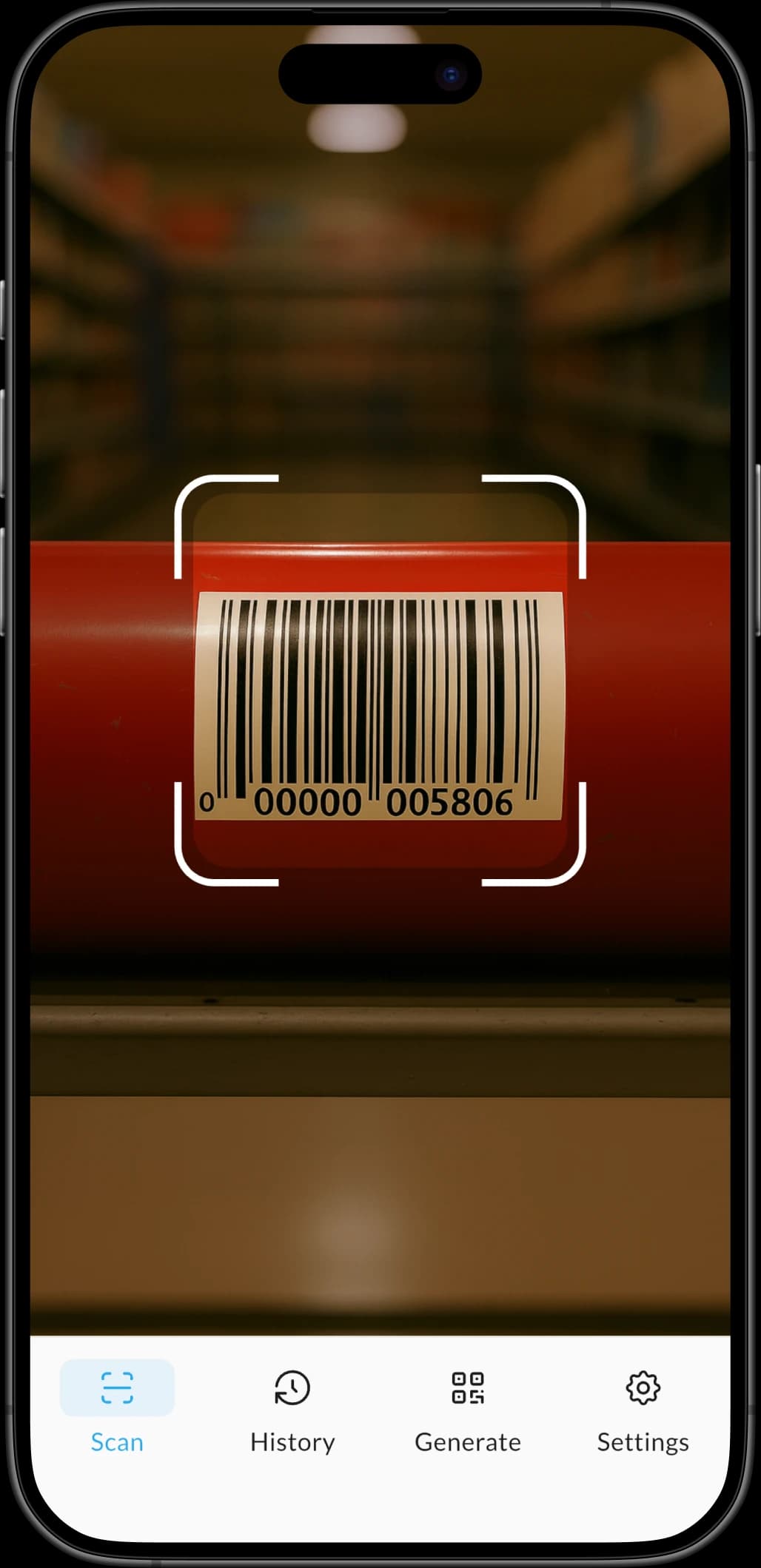
QRBot scans any QR code or barcode in milliseconds, recognizing all major formats with lightning-fast camera-based detection.
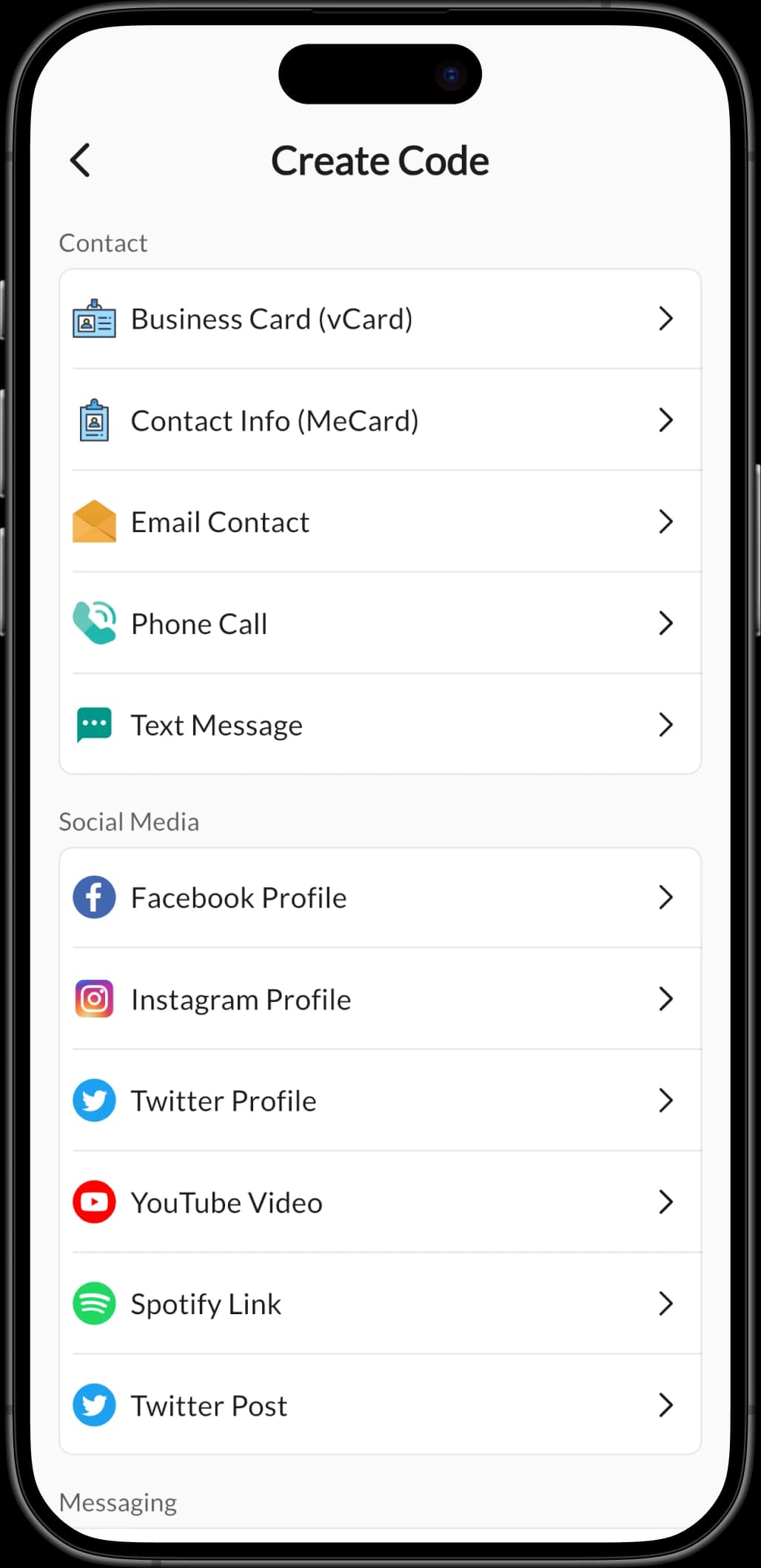
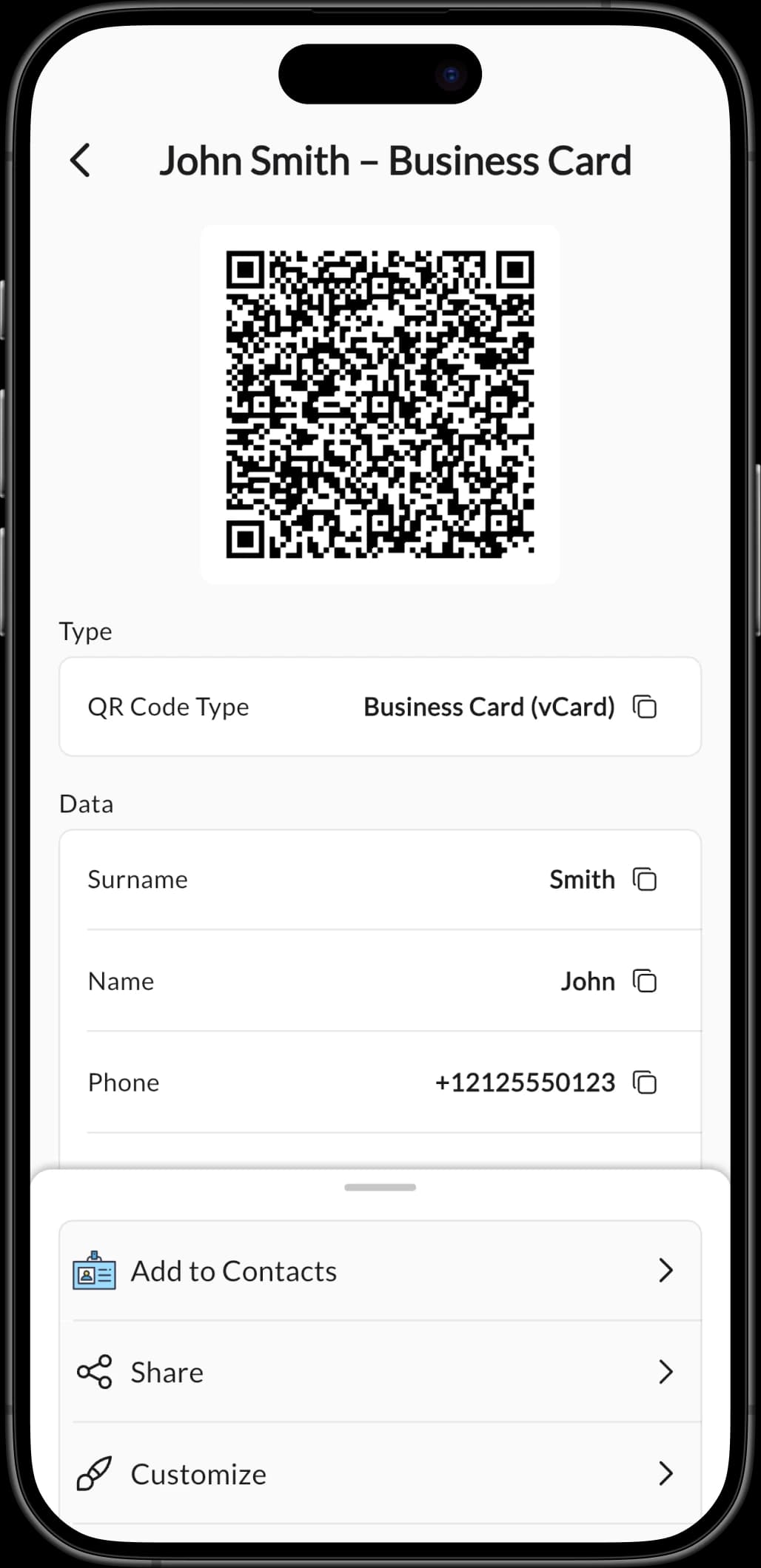
Custom QR Code Generator
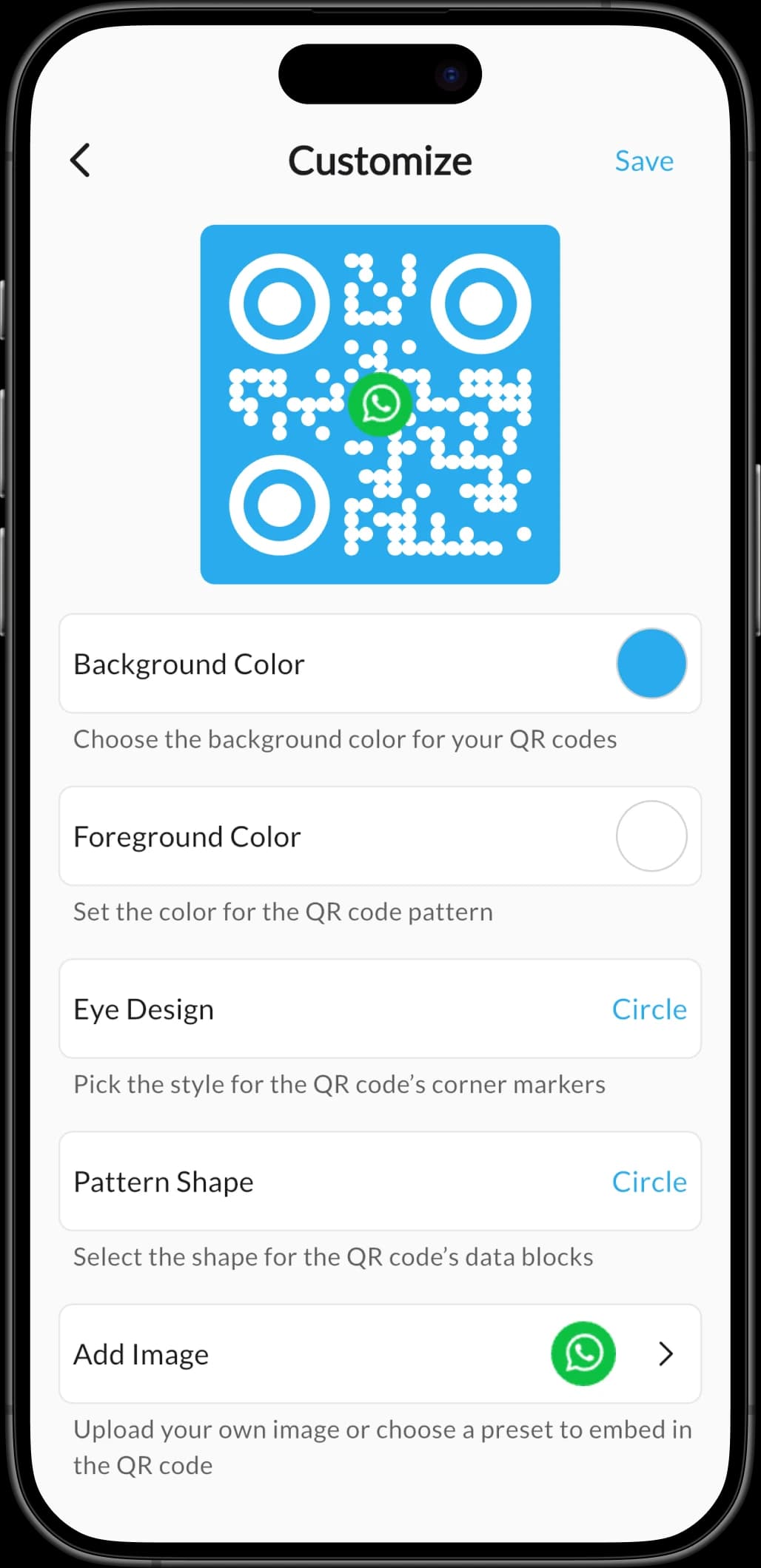
QRBot generates beautiful custom QR codes with custom colors, eye designs, pattern shapes, and embedded logos for 20+ content types.
Wi-Fi Quick Connect
QRBot's Wi-Fi quick connect scans a Wi-Fi QR code and joins the network instantly so users never type long passwords again.
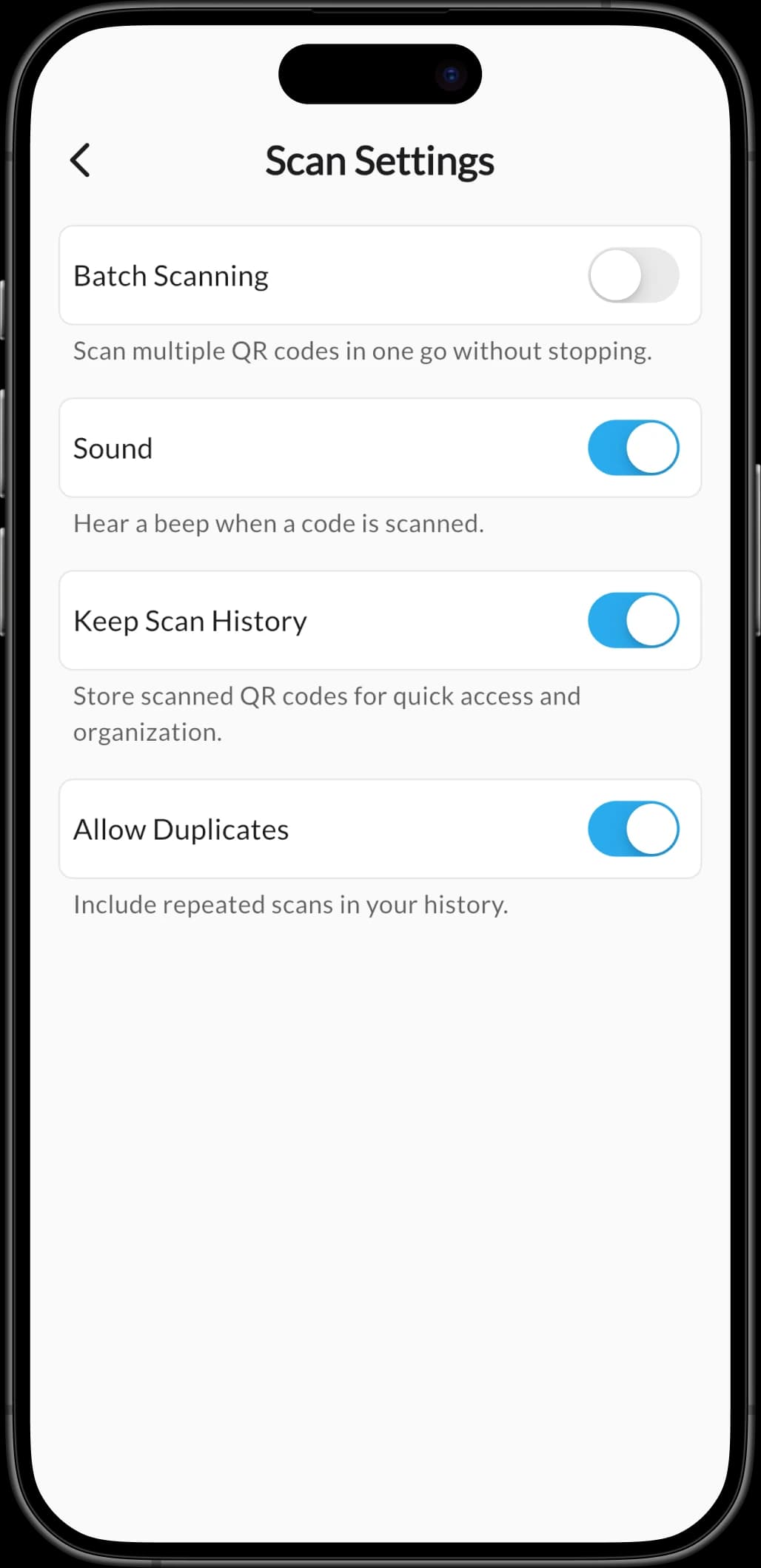
Batch Scanning Mode
QRBot's batch scanning mode reads multiple QR codes and barcodes back-to-back without stopping — perfect for events and inventory.
Security & Privacy Lock
QRBot protects scan history with Face ID, PIN lock, and auto-lock so private codes stay private even on a shared device.
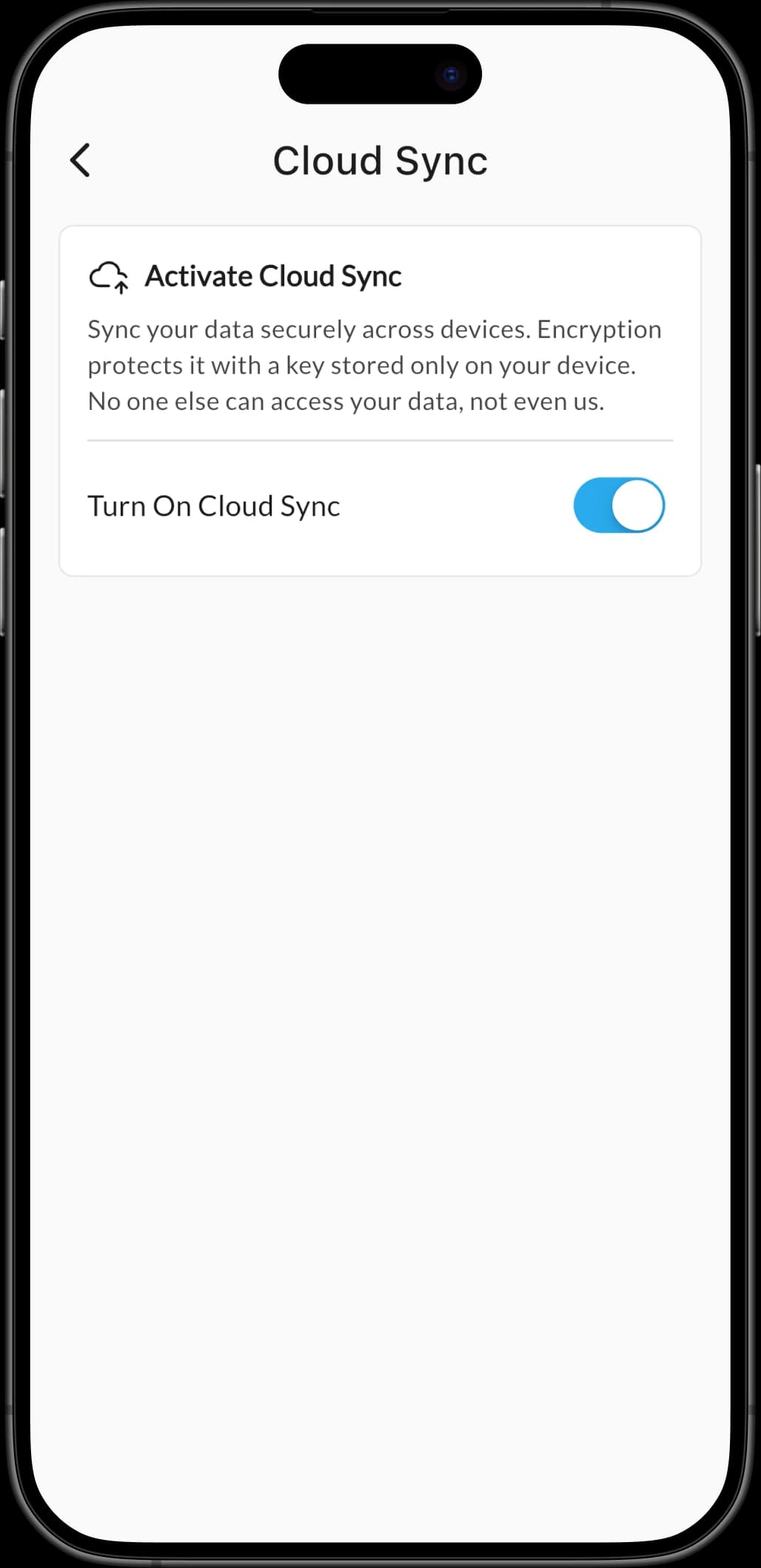
Encrypted Cloud Sync
QRBot offers end-to-end encrypted cloud sync that backs up scan history and generated codes across every signed-in device.
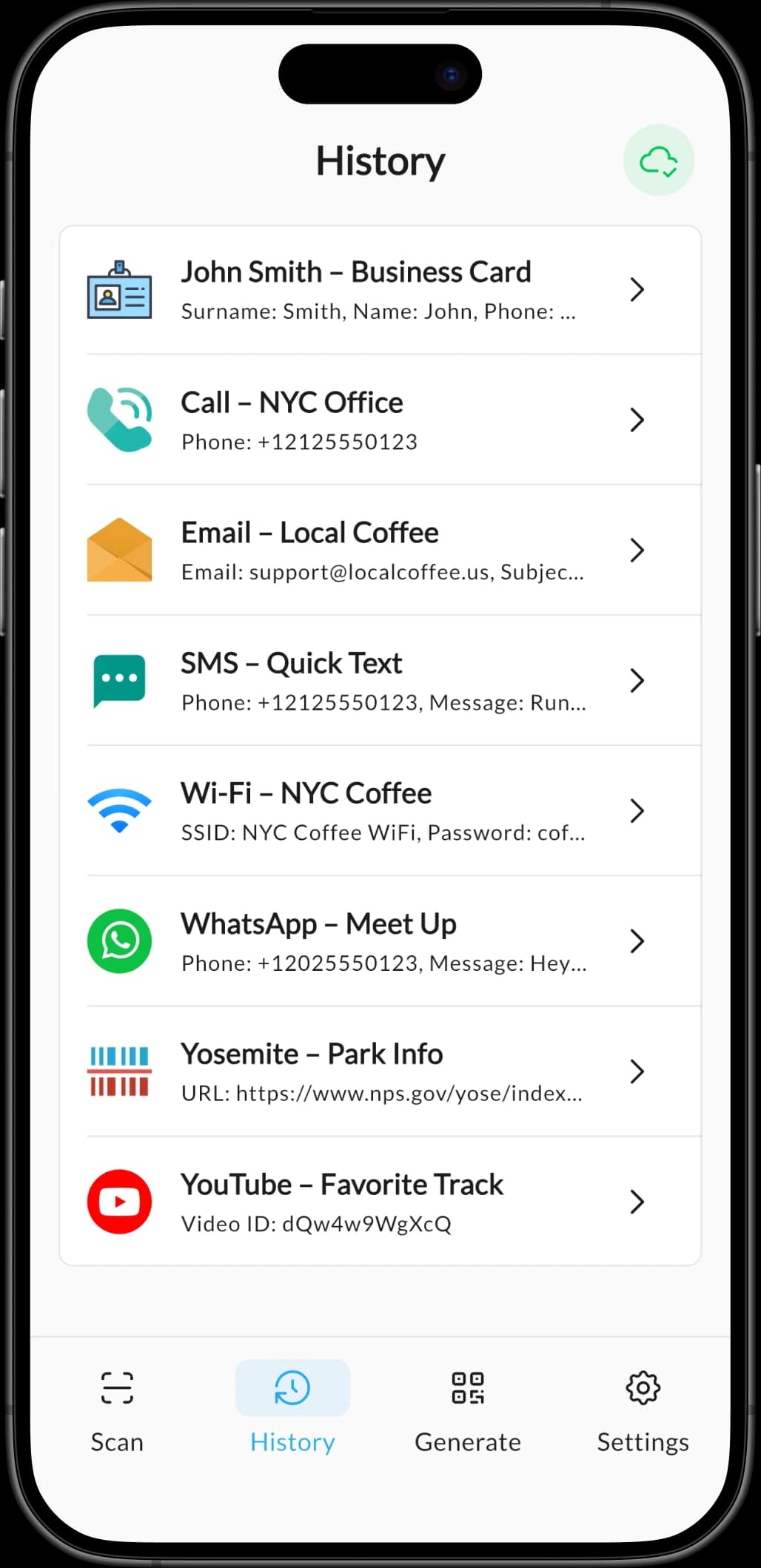
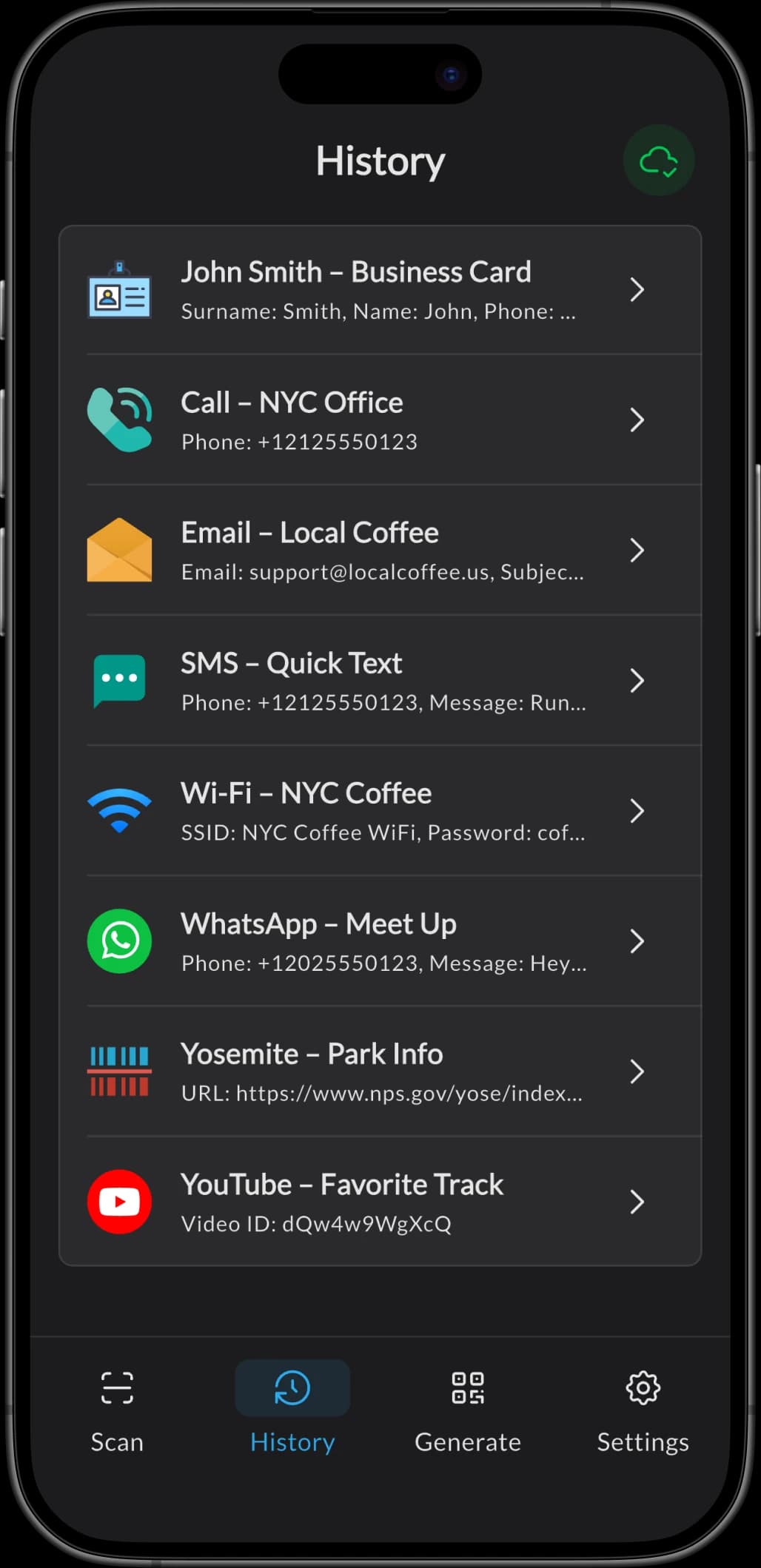
Scan History & 30-Day Recovery
QRBot saves every scan to a searchable, filterable history with Recently Deleted recovery for up to 30 days.
20+ Code Types Supported
QRBot supports 20+ content types including URLs, Wi-Fi, vCards, calendar events, WhatsApp, Telegram, Spotify, and crypto addresses.
How It Works
Scan Any Code in 3 Simple Steps
No setup needed. QRBot makes it effortless to scan a QR code or barcode and take the right next action in seconds.
Open QRBot and Point the Camera
Open QRBot and aim the camera at any QR code or barcode — or import an image from the photo library.
Instant Decode and Detection
QRBot detects and decodes the code in milliseconds and identifies its content type — URL, Wi-Fi, contact, text and more.
Take Action with One Tap
Take action with one tap: open links, join Wi-Fi, save contacts, add calendar events, or share the result.
Screenshots
See QRBot in Action
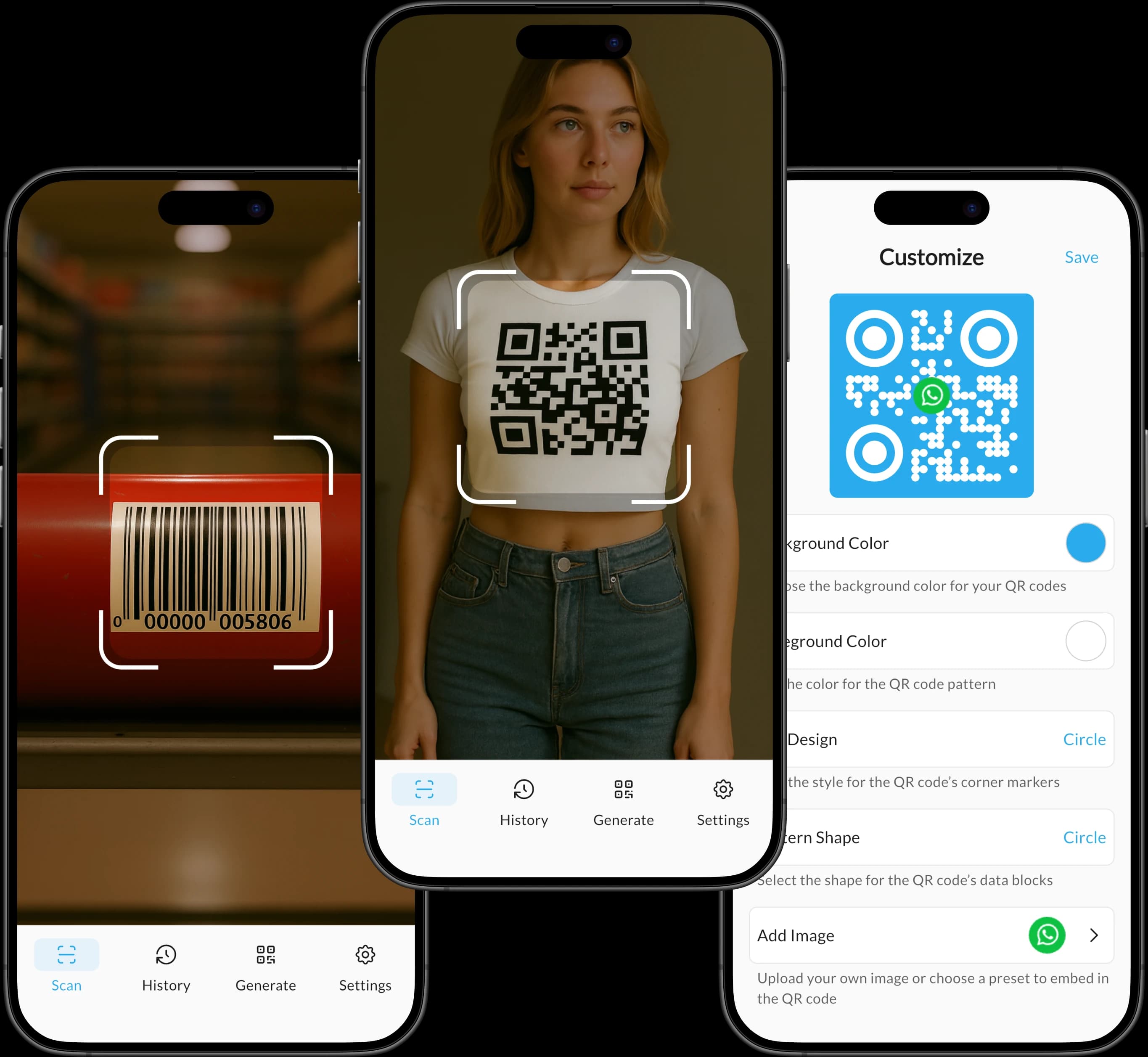
A closer look at the scanning, generator, and history features that help thousands of QRBot users every day.
FAQ
Got Questions? We Have Answers
Everything you need to know about QRBot.